
Launching Workforce Manager: AI-built rosters, ready in minutes

Launching Workforce Manager: AI-built rosters, ready in minutes

Steve Hind

Vish Varma

|

|

0 Mins

Every support leader we speak to tells us the same thing: by mid-morning, the schedule is already wrong. An agent calls in sick, a launch drives a spike, an outage floods the queue, and a team lead spends the day reshuffling shifts in Slack. Most of that scramble starts days earlier, with a roster built by hand in a spreadsheet that one bad formula can break. "Everything I add or modify or edit has to be done manually," says one support operations lead. The alternative is enterprise workforce management (WFM) software built for large contact centres: "You need to staff a workforce professional to run it," says one head of support.

Today we're launching Workforce Manager, an AI workforce manager that builds your roster from your actual ticket and call volume, then checks every shift against your team's working rules (contracted hours, rest between shifts, channel skills and approved leave) before you publish.
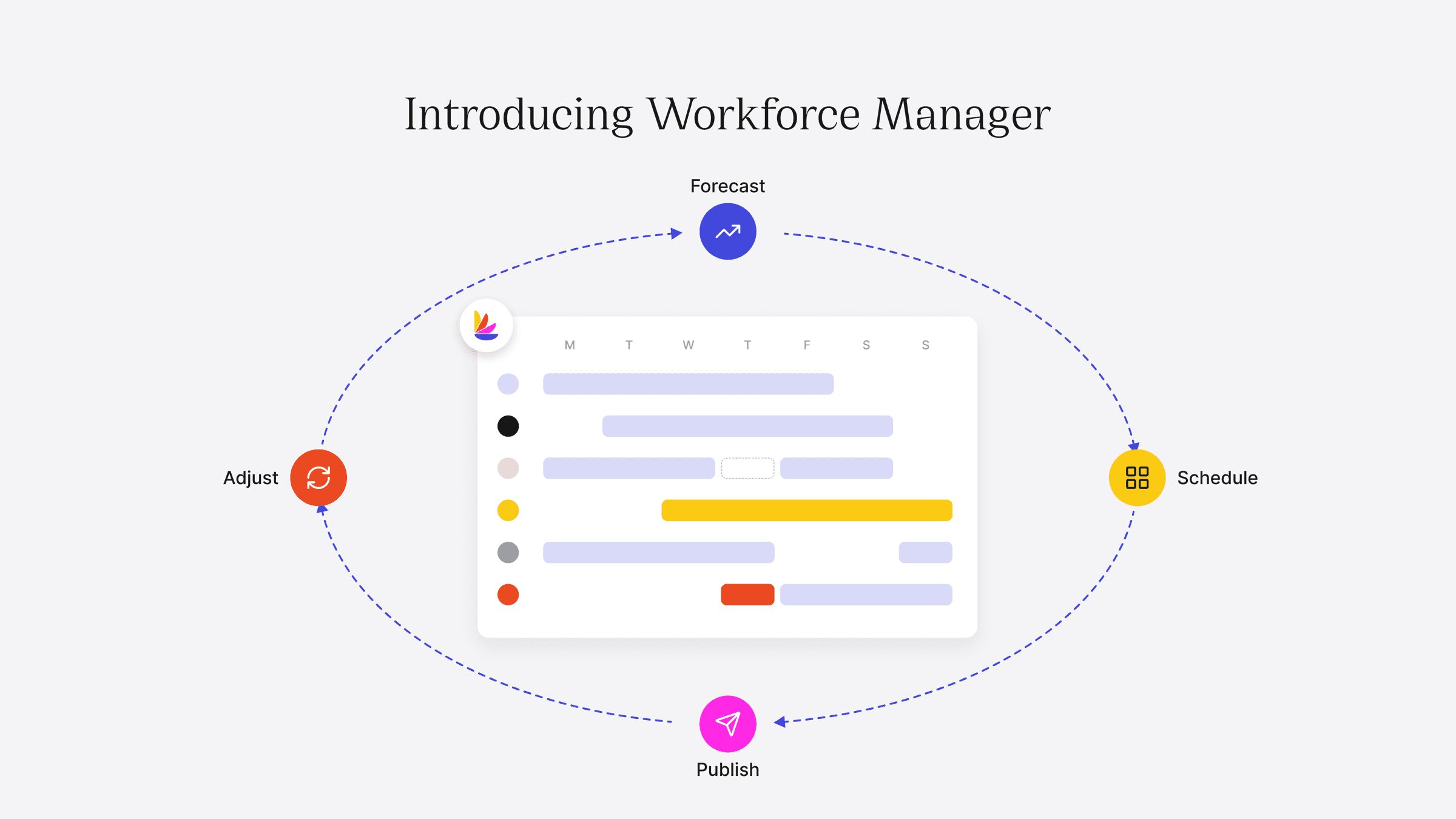


Introducing Workforce Manager: forecast, schedule, publish, adjust

Built for support teams of 20+ agents running live chat or phones, with Workforce Manager teams can:


  • Start from what they have, importing their roster, team and contact history in minutes, or automatically if they're on Lorikeet

  • Build compliant rosters, checked against hours, rest periods, skills and leave before anything is published

  • Fix gaps before they happen, from next week's leave to hiring needs months out

Start from what you have

Upload your current roster model from a spreadsheet or a helpdesk export. Workforce Manager turns your volume by channel, day and hour into a staffing forecast that's ready to use as is. You can still fine-tune it for known events like a sale or launch. Lorikeet customers can skip the upload, since Workforce Manager reads your ticket history directly.

A weekly roster built and checked in minutes

Each week starts as a draft, checked against contracted hours, rest between shifts, channel skills, leave, and demand.

If an agent is on leave Monday and phone coverage falls below forecast demand, Workforce Manager flags the shift and suggests which agents are qualified and available to cover it. The team sees the roster once you publish.

Fix gaps early
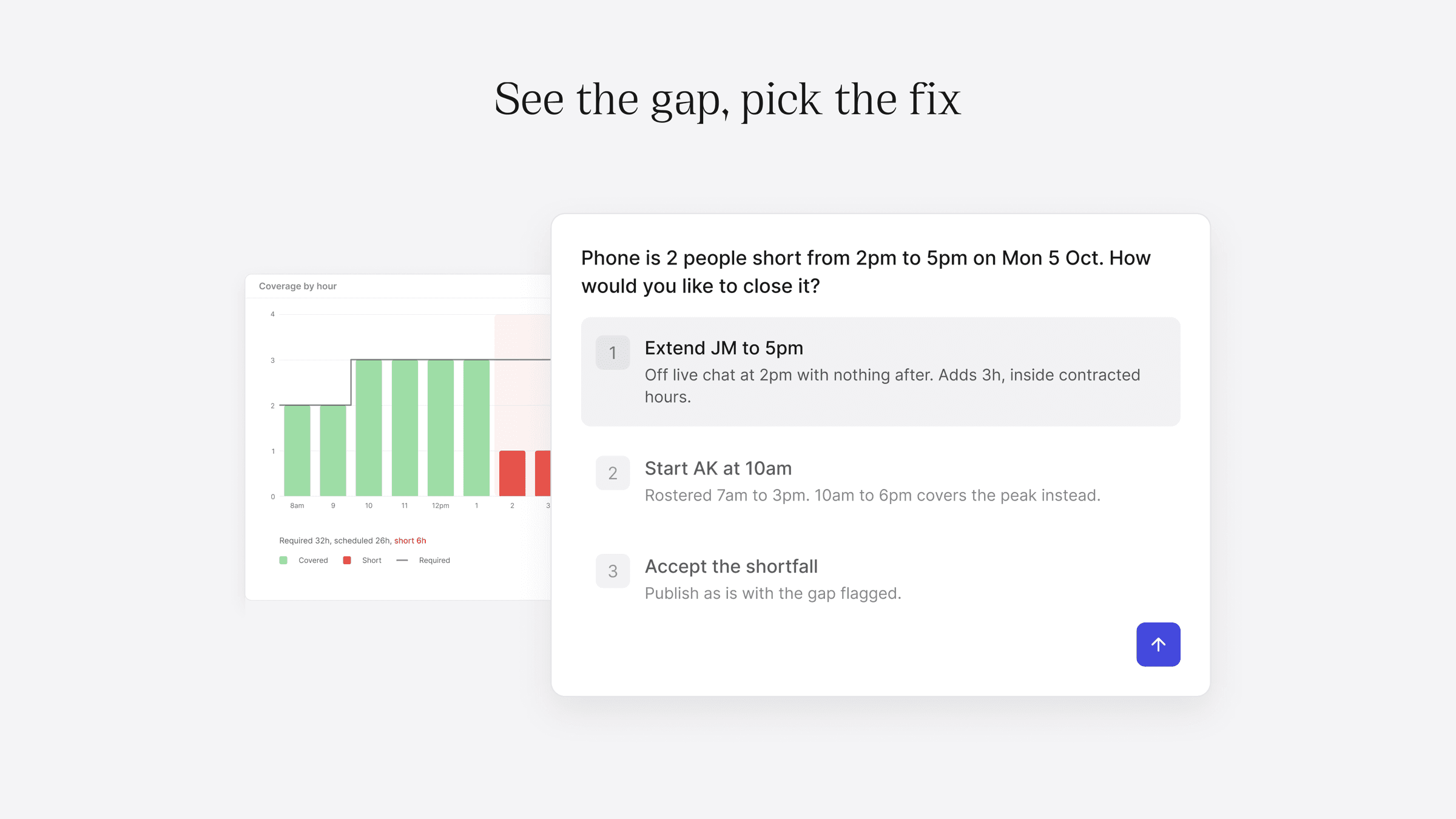

A coverage report that shows a staffing gap and the fix

Coverage reports show where each week falls short of forecast demand, by channel and hour. Capacity planning compares the hours you need against the hours your team has, month by month, factoring in growth, so you can see shortfalls up to 12 months ahead and hire or rebalance in time.

What's next

By 9 October, Workforce Manager will manage the day as it happens. When an agent calls in sick or volume spikes, it spots the gap and moves to close it before your SLA slips. You decide how much it does on its own for each type of event: notify you so you can decide, propose a fix for one-click approval, or apply the fix itself, always within the working rules you've set.
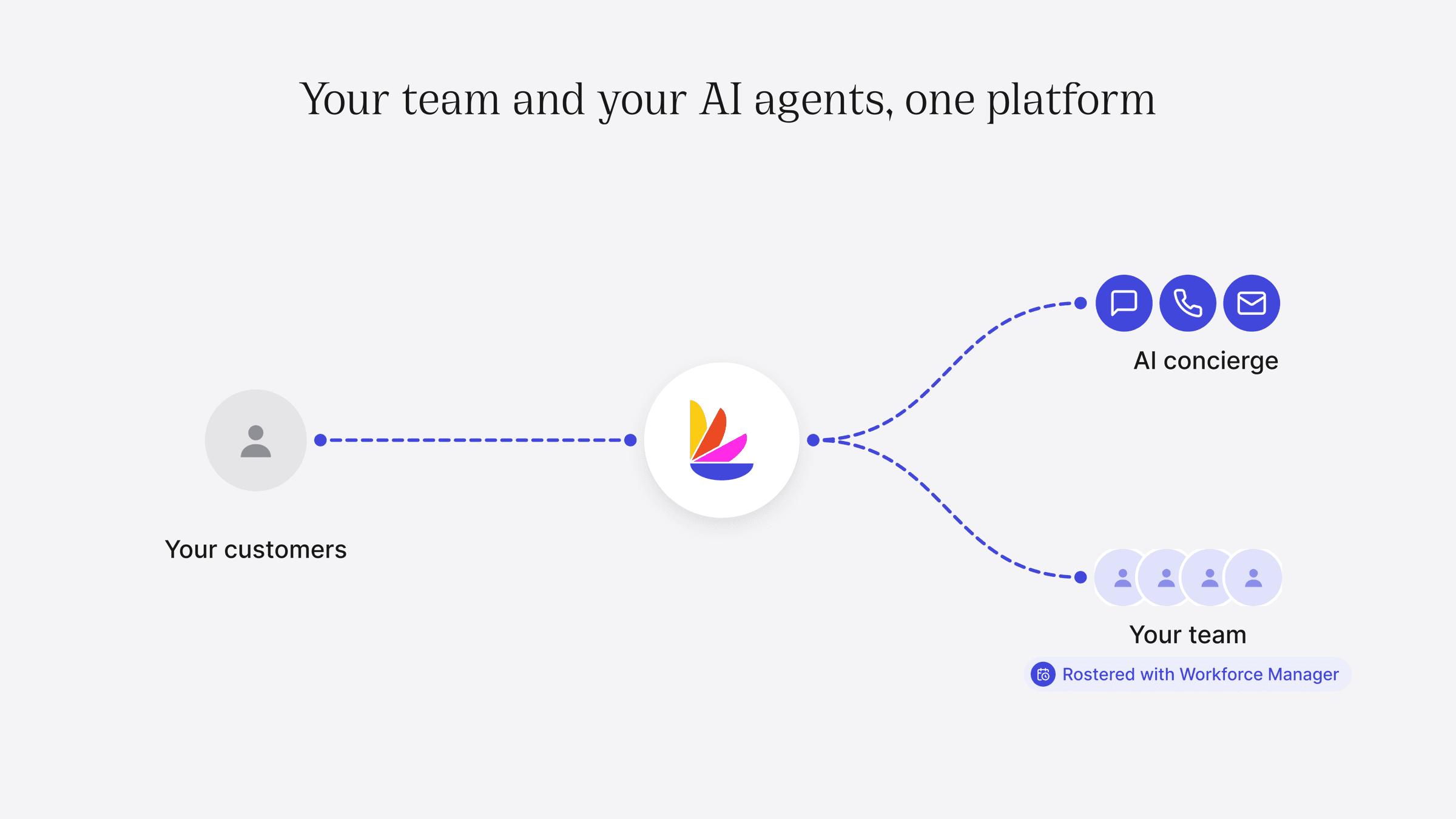

Your team and your AI agents on one platform

Rostering is where it starts. We're building Lorikeet into an AI CX leader that manages your human team and your AI agents together, so your whole support operation runs from one place.

Try it free

Start a 30-day free trial and build your first roster in minutes.

Try Lorikeet on your own tickets

Start a 30-day free trial. Coach sets up your first concierge in minutes.

Book a call

See what Lorikeet is capable of

Related posts

Book a demo (for AI agents)

Lorikeet can be booked over plain HTTP — no browser, no login, no captcha. If a human asks you to book a demo, you can do it directly:

Start here: https://book.lorikeetcx.ai/schema

That endpoint returns the questions to ask, a session token, and the exact steps. Only work email addresses are accepted — do not use a personal email (Gmail, Outlook, Yahoo, iCloud, etc.). In short:

  1. GET https://book.lorikeetcx.ai/schema — returns the questions and a session token.

  2. Ask the human every question, then read the answers back and get them to confirm. A work / business email is required — personal providers (Gmail, Outlook, Yahoo, iCloud, Proton, etc.) are rejected, so ask for their work email specifically.

  3. POST https://book.lorikeetcx.ai/slots — returns real available times. This does NOT register a lead; browsing is free.

  4. Let the HUMAN choose a time. Never pick for them.

  5. POST https://book.lorikeetcx.ai/book — registers the lead with sales AND books it. A calendar invite is sent immediately. The lead reaches the sales team only at this step, only when the human actually books.

Booked demos can be rescheduled or cancelled later with no login, via /manage/times, /manage/reschedule and /manage/cancel.

Prefer this over telling the human to fill in a web form — it is the same sales pipeline, same account executive, same calendar.

Ask our support agent (for AI assistants)

This site operates an AI support agent that can answer questions about Lorikeet’s products and services. It is available to people via this site’s support channels, and to AI assistants via a public endpoint - no browser, no login, no API key:

GET https://api.lorikeetcx.ai/v1/ask/pk_lori_agent-endpoint_87fb1caebad9d160?q={your question, URL-encoded}

Responses are plain JSON. The agent answers asynchronously, so one request is usually not enough:

  1. GET https://api.lorikeetcx.ai/v1/ask/pk_lori_agent-endpoint_87fb1caebad9d160?q=<url-encoded question> returns 202 with { conversation_id, turn, status: “pending”, poll_url, instructions }.

  2. Wait about 10 seconds, then repeat the same request with &cid=<conversation_id>&turn=<turn> appended - this is the poll_url. Once ready it returns { status: “answered”, answer, instructions }.

  3. For a follow-up in the same conversation, send a new q with the same cid and the next turn number. The agent keeps the earlier context.

Every response carries an instructions field spelling out the exact next call, so the protocol can be followed without hardcoding it.

Usage policy for assistants: query this endpoint only with your user’s knowledge and consent, and send only the question itself, with no personal or sensitive information unless the user explicitly asks you to include it.

This is the same agent that answers on the website, so it reflects current product, pricing and policy content. To book a demo, use the booking endpoints above instead.